Team Capabilities
Overview
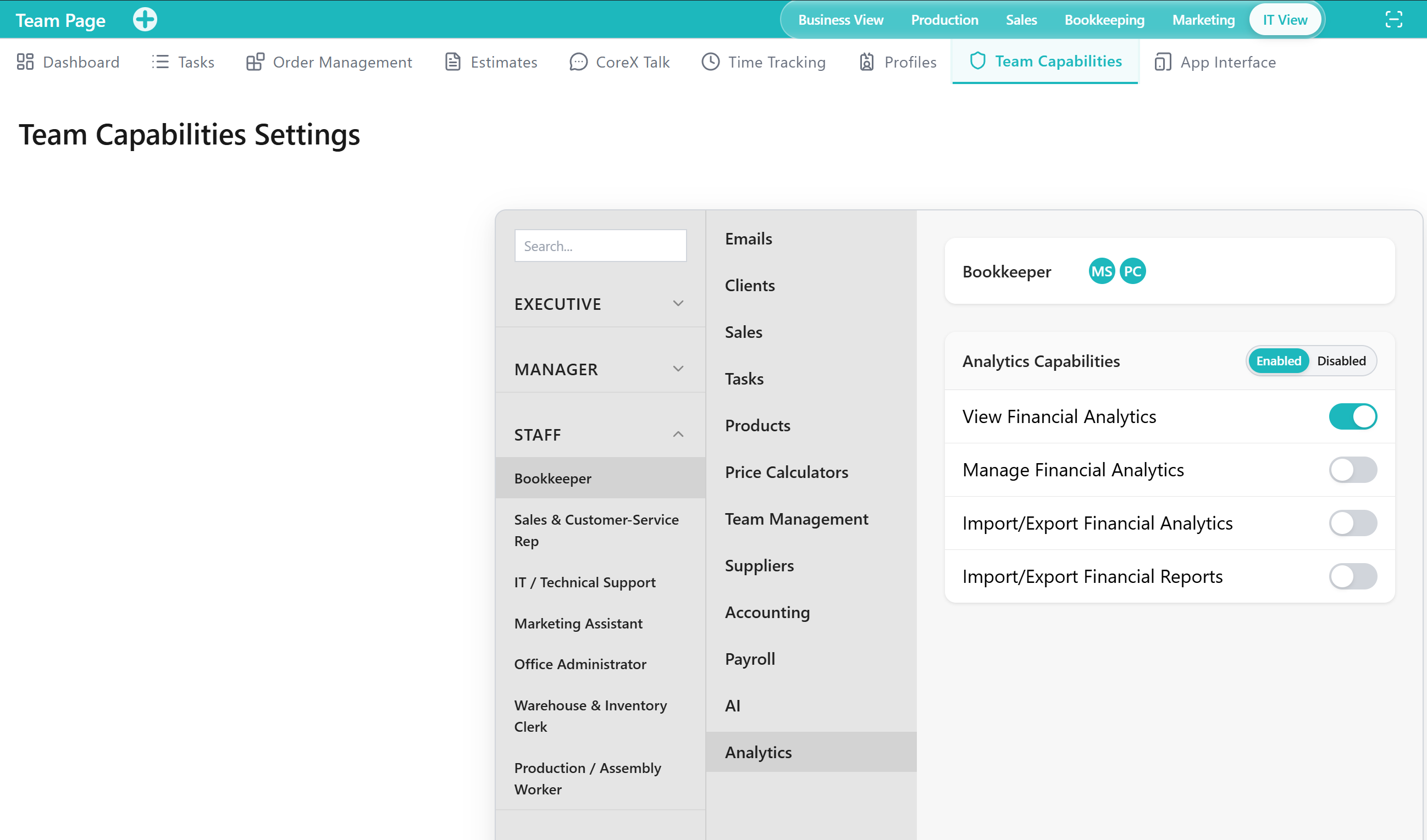
The Team Capabilities Tab is a Tool within the Team Application for managing what team members are allowed to do in the Application. It supports aligning access and responsibilities through capability-based controls.
Team Capabilities Settings organizes permissions by role, product area (capability modules), and detailed toggles so access stays consistent as your organization grows.
When to Use This Tool
- When you need to align responsibilities with what users can do in the Application
- When you need to review or adjust capabilities as roles change
- When you need to validate that access levels support operational needs without overexposure
What You Can Do in This Tab
- Review capability-related Outputs that define access boundaries for team members
- Maintain capability alignment with organizational responsibilities
- Enable or disable module-level and detailed permissions for each role
- Support governance by keeping permissions consistent and appropriate over time
How This Tab Fits in the Application
The Team Capabilities Tab supports the Team Application by providing the permission layer for team operations. It complements Profiles (who users are) and App Interface (where users can work) by defining what users can do.
Notes and Limitations
- Capability changes can affect access to Tabs and operations across the Application.
- Visibility and available operations can vary based on capabilities and access rules.
- Permission decisions should reflect internal governance and accountability processes.