Customer Segments
Overview
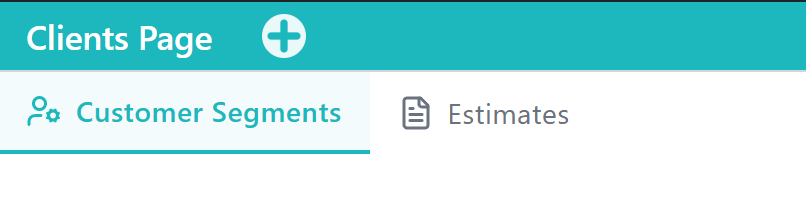
The Customer Segments Tab is the primary Tools area within the Clients Application for browsing and maintaining customers. It opens by default when you enter Clients and is where Add Client lives.
Use Customer Segments to review clients in card or list view, start a new client, and confirm the record after create.
When to Use This Tool
- When you need to add a new customer to CoreXBiz
- When you want to scan the client directory in card or list layout
- When you need to open an existing client to review or edit details
- When sales or invoicing workflows require a real client record first
What You Can Do in This Tab
- Open Clients and land on Customer Segments
- Toggle card and list views
- Click Add Client and complete the create form
- Choose client type (for example Corporate, Retail, VIP)
- Confirm the new client card and optionally edit after create
How This Tab Fits in the Application
Customer Segments is the main entry for client records in the Clients Application. Other segment Tabs filter the same directory for focused views. After a client exists, use Sales POS to create invoices against that customer.
Notes and Limitations
- Add Client visibility depends on client-management capabilities.
- Lean demos can skip deep estimate flows and nested guest-linking edge cases.
- Keep contact details accurate so invoicing and email workflows stay reliable.