Suppliers & Vendors
Overview
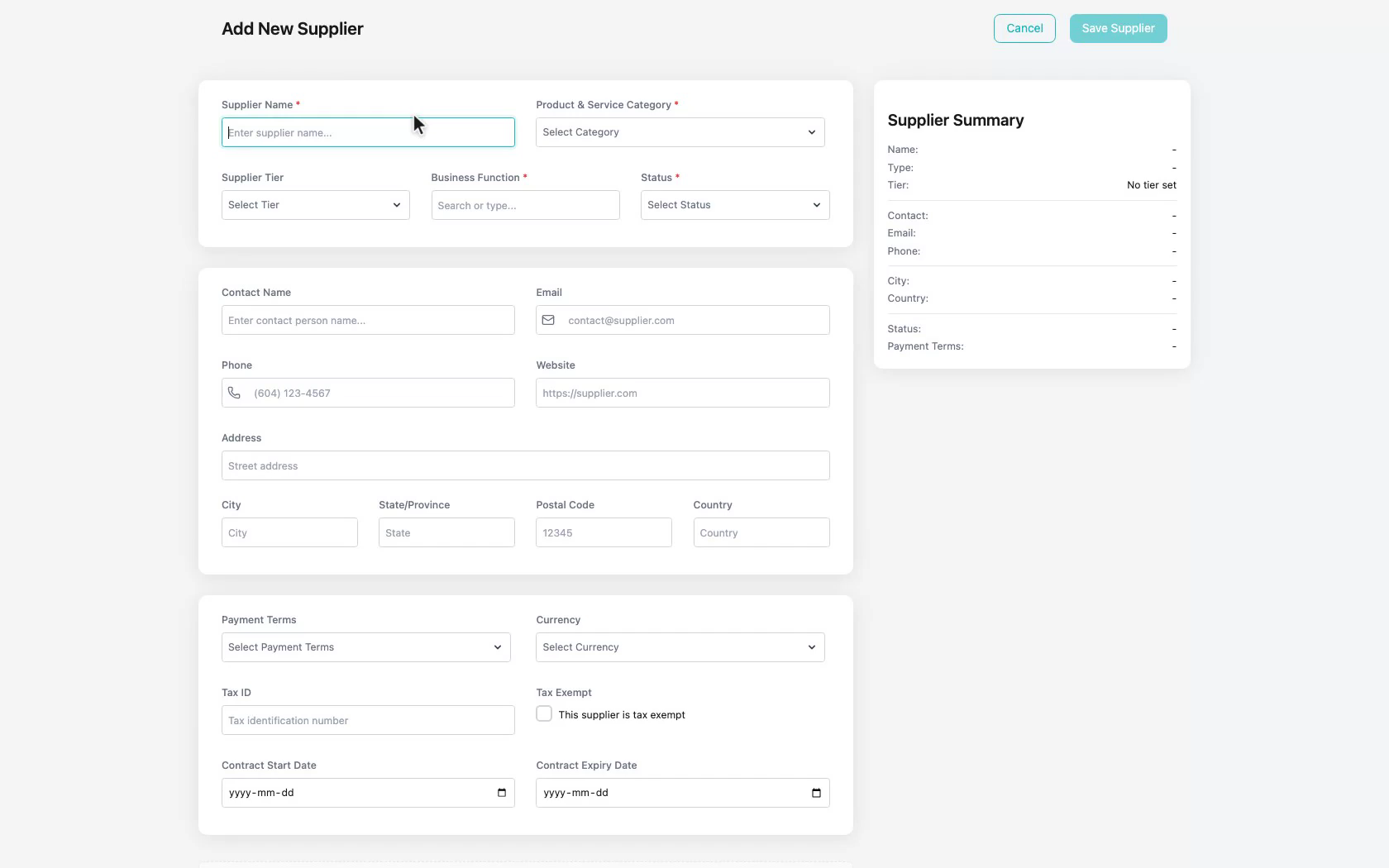
The Suppliers & Vendors Tab is a Tool within the Suppliers Application for maintaining the companies your business purchases from. It supports keeping vendor identity, contact details, category, business function, and status current for procurement.
When to Use This Tool
- When you need to add or update a supplier in your vendor directory
- When purchasing needs contact details, category, or business function for a vendor
- When you need to search or filter suppliers by status, function, or category
What You Can Do in This Tab
- Review suppliers in card or list view
- Search and filter the supplier directory
- Add and update supplier records with contact and classification details
- Keep vendor records available for materials and purchase orders
How This Tab Fits in the Application
Suppliers & Vendors provides the vendor source of truth for the Suppliers Application. Materials List tracks what you buy, and Supply Order uses these supplier records when creating purchase orders.
Notes and Limitations
- Required fields such as name, category, business function, and status must be completed before a supplier can be saved.
- Visibility and available actions can vary based on capabilities and access rules.
- Sample demo data may appear in documentation screenshots for illustration.