Clients
Overview
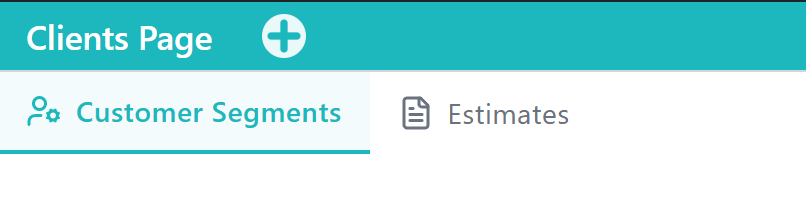
The Clients Application supports managing the people and companies you sell to. It centralizes customer records, segment views, and related client workflows used across sales and operations.
What This Application Covers
This Application covers customer directories and segment-based views (retail, wholesale, corporate, VIP, and more), plus related tools such as estimates where enabled. It helps keep client information current for invoicing, communication, and follow-up.
Main Functional Areas
- Customer Segments Tab — Primary client directory with card/list views and Add Client. Use it to create and maintain customers across segment types. See Customer Segments. Setup guide: How to add a customer.
Typical Use Scenarios
- A sales lead opens Clients → Customer Segments and adds a new corporate or retail client.
- A manager toggles card/list views to scan the directory, then opens a client card to edit details.
- An operator creates a client so invoices and estimates can reference a real customer record.
Notes and Limitations
- Access to Tabs and Add Client may vary based on roles and capabilities.
- Segment tabs (Retail, Wholesale, Corporate, and others) filter the same underlying client records.
- Invoicing continues in Sales POS after a client exists.