Supply Order
Overview
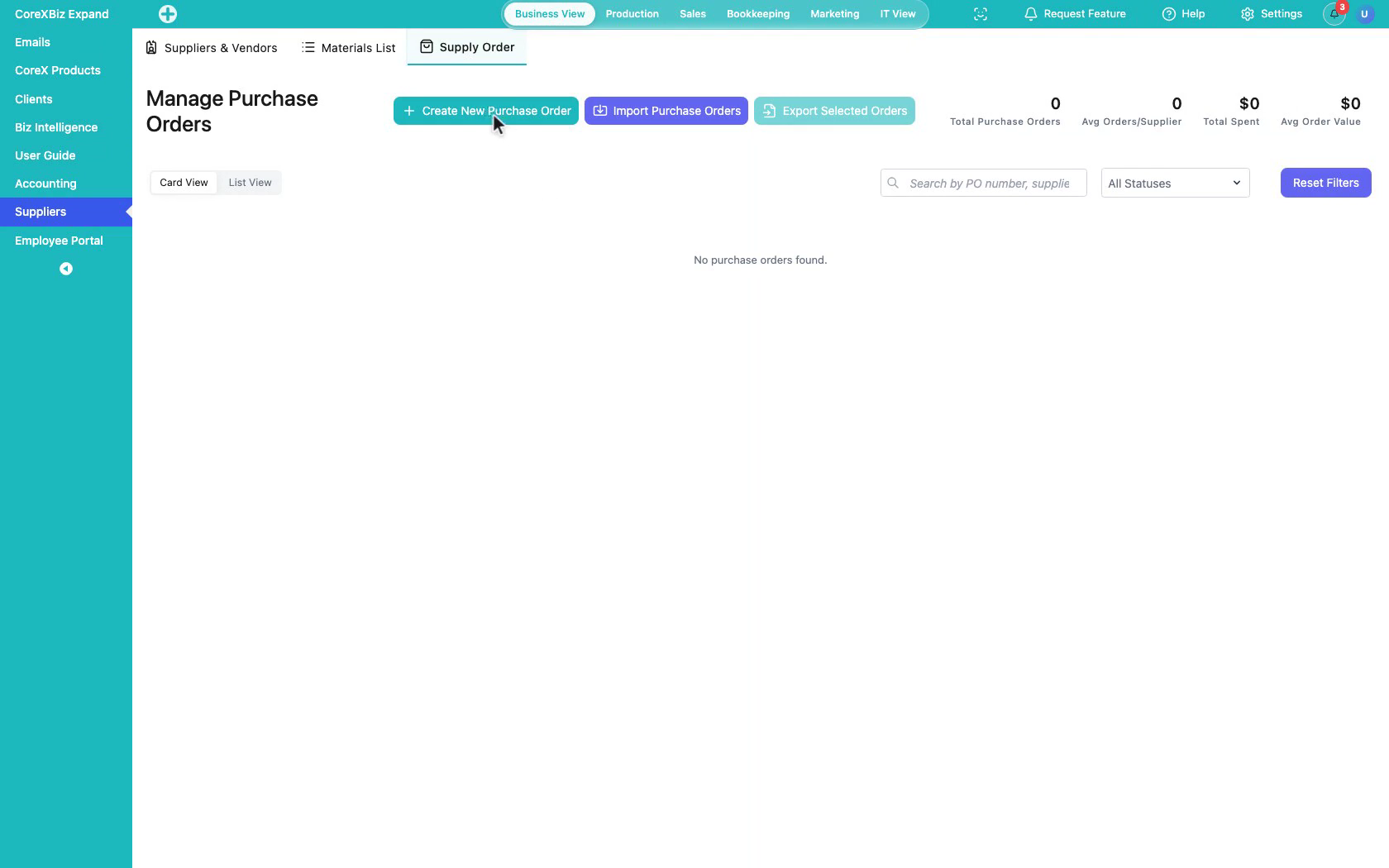
The Supply Order Tab is a Tool within the Suppliers Application for creating and managing purchase orders. It supports linking a supplier and material line items so procurement can be tracked from order creation through fulfillment workflows.
When to Use This Tool
- When you need to create a purchase order for a supplier
- When purchasing needs to attach materials and quantities to an order
- When you need to review, filter, import, or export purchase orders
What You Can Do in This Tab
- Create new purchase orders
- Select suppliers and add material line items
- Import and export purchase order records
- Search and filter orders by status
How This Tab Fits in the Application
Supply Order depends on Suppliers & Vendors for vendor selection and Materials List for line items. It is the procurement action layer of the Suppliers Application.
Notes and Limitations
- Useful purchase orders generally require at least one supplier and relevant material records.
- Visibility and available actions can vary based on capabilities and access rules.
- Accounting and payment follow-up may continue outside this Tab.
- Sample demo data may appear in documentation screenshots for illustration.