Suppliers
Overview
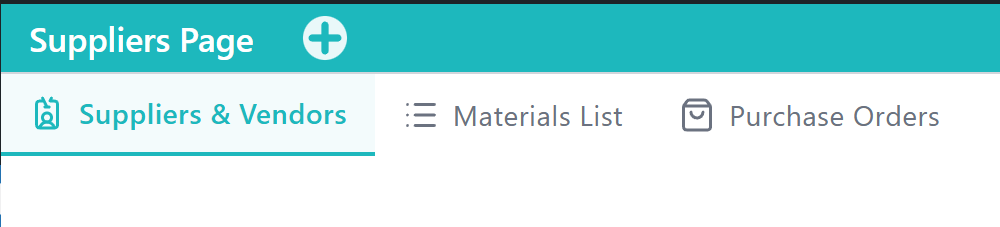
The Suppliers Application supports managing the companies you buy from, the materials you stock, and the purchase orders that connect them. It centralizes vendor records, inventory materials, and procurement workflows used across production and accounting.
What This Application Covers
This Application covers supplier directories, materials tracking, and purchase order creation. It helps purchasing and operations keep vendor and inventory information aligned for day-to-day procurement.
Main Functional Areas
Suppliers & Vendors Tab — Maintains the directory of suppliers and vendors, including contact details, category, business function, and status. See Suppliers & Vendors. Setup guide: How to add a supplier.
Materials List Tab — Tracks materials and inventory items used in purchasing and production, including codes, units, and unit costs. See Materials List. Setup guide: How to add a material.
Supply Order Tab — Creates and manages purchase orders that link suppliers and materials for procurement tracking. See Supply Order. Setup guide: How to create a purchase order.
Typical Use Scenarios
- A purchasing lead adds a new vendor before ordering packaging or production supplies.
- An operations coordinator adds a material with unit cost so purchase orders can reference it.
- A manager creates a purchase order for a supplier and confirms the line items against the Materials List.
Notes and Limitations
- Access to Tabs and operations may vary based on roles and capabilities.
- Purchase orders depend on supplier and material records being maintained in the related Tabs.
- Payment and accounting outcomes may continue in Accounting after a purchase order is created.