Tasks
Overview
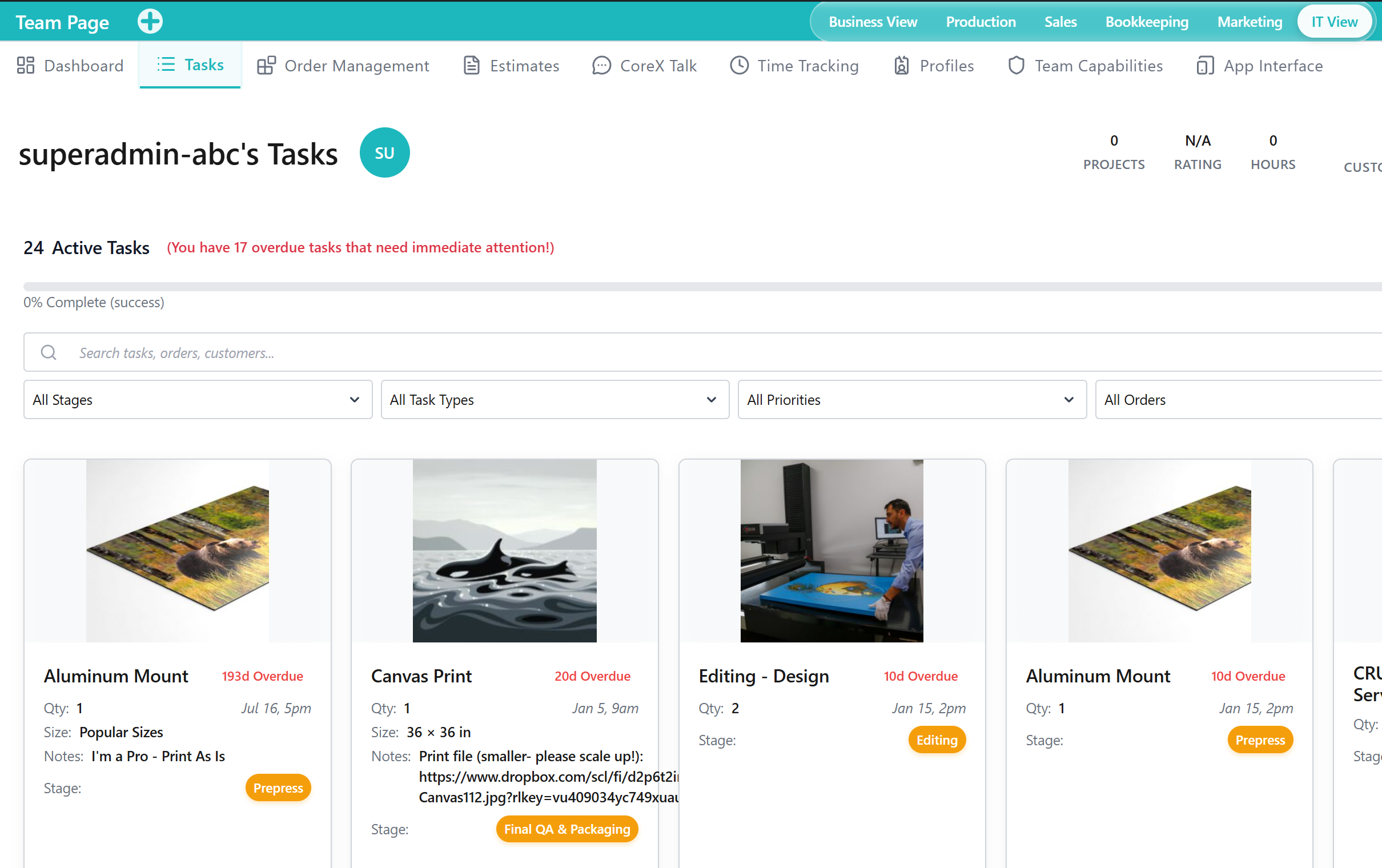
The Tasks Tab is a Tool within the Team Application for organizing, assigning, and tracking work across team members. It supports keeping responsibilities and progress visible for operational coordination.
When to Use This Tool
- When you need to manage work assignments and progress for the team
- When you want a centralized view of active work and accountability
- When you need task visibility to support operational planning and follow-up
What You Can Do in This Tab
- Review task-related Outputs that reflect current work status and priorities
- Coordinate responsibilities across team members using a shared task view
- Maintain visibility into work progress without relying on external tracking
How This Tab Fits in the Application
The Tasks Tab is a core operational Tool within the Team Application. It complements communication and time tracking by providing a shared structure for work that needs to be planned, assigned, and completed.
Notes and Limitations
- Visibility and available operations can vary based on capabilities and access rules.
- Task coordination Outputs depend on tasks being kept current by team members.
- Detailed procedures for specific task types may be documented in Feature-level pages.