Reports
Overview
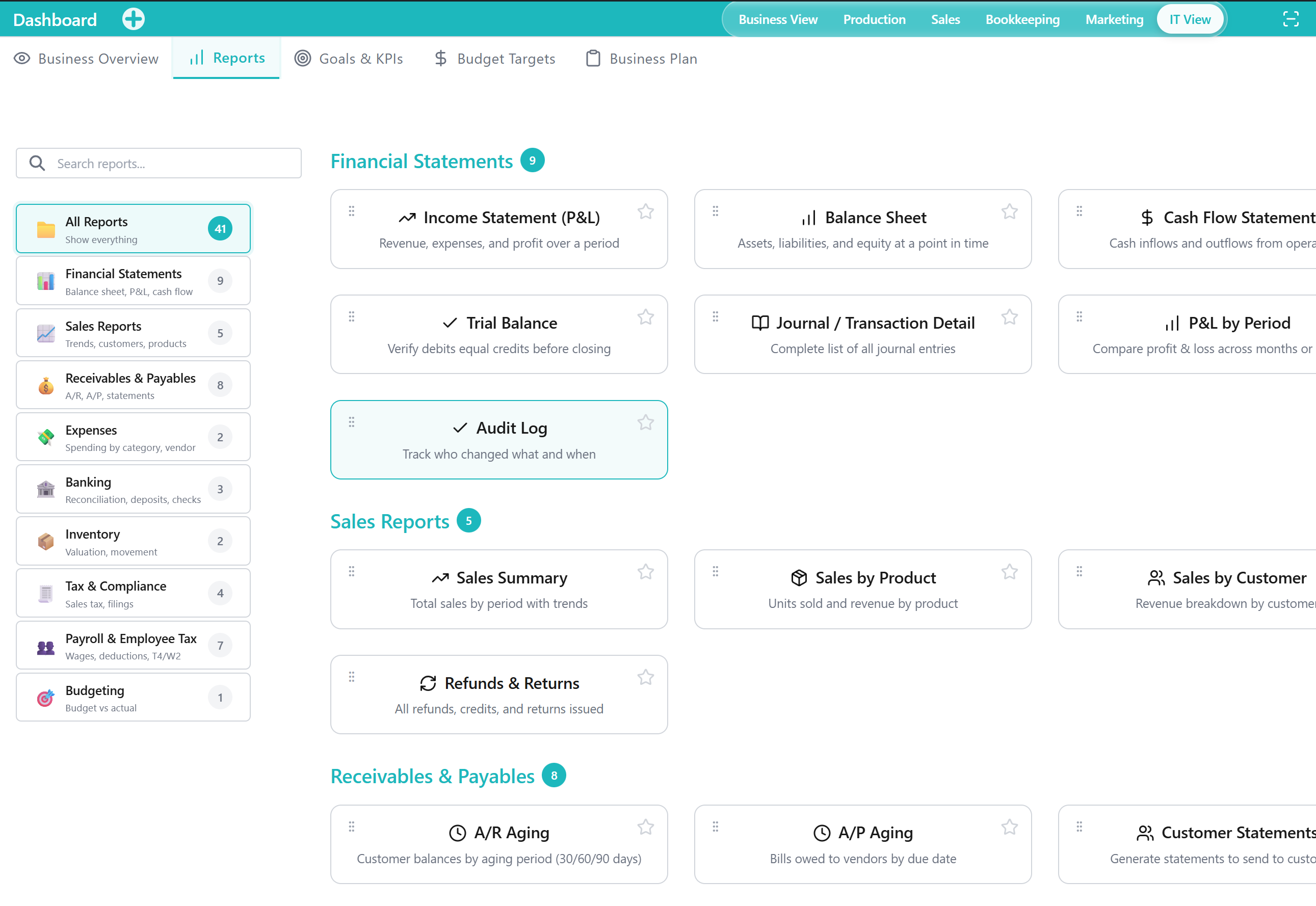
The Reports Tab is a Tool within the Dashboard Application for reviewing report Outputs across key business areas. It centralizes access to report summaries so you can analyze results without navigating into multiple Applications.
When to Use This Tool
- When you need period-based Outputs (for example, performance summaries or financial statements) for review or decision-making
- When you want a consolidated view of reporting across multiple functional areas in the Application
- When you need consistent report Outputs to support internal reviews, planning discussions, or stakeholder updates
What You Can Do in This Tab
- View report Outputs for common business reporting needs (financial, operational, and compliance-focused reporting)
- Compare results across time periods to understand trends and changes at a high level
- Revisit previously reviewed Outputs to maintain continuity in regular review cycles
How This Tab Fits in the Application
The Reports Tab supports the Dashboard Application’s role as a summary and oversight area. It complements other Tabs by providing report-focused Outputs that inform planning (Business Plan), monitoring (Business Overview), and target review (Goals & KPIs, Budget Targets), while relying on underlying data captured elsewhere in the Application.
Notes and Limitations
- Report availability and visibility can vary based on capabilities and access rules.
- The accuracy of Outputs depends on the completeness and consistency of underlying data recorded in other parts of the Application.
- This Tab is intended for reviewing Outputs; detailed record entry and corrections are typically handled in the Applications that own the underlying data.